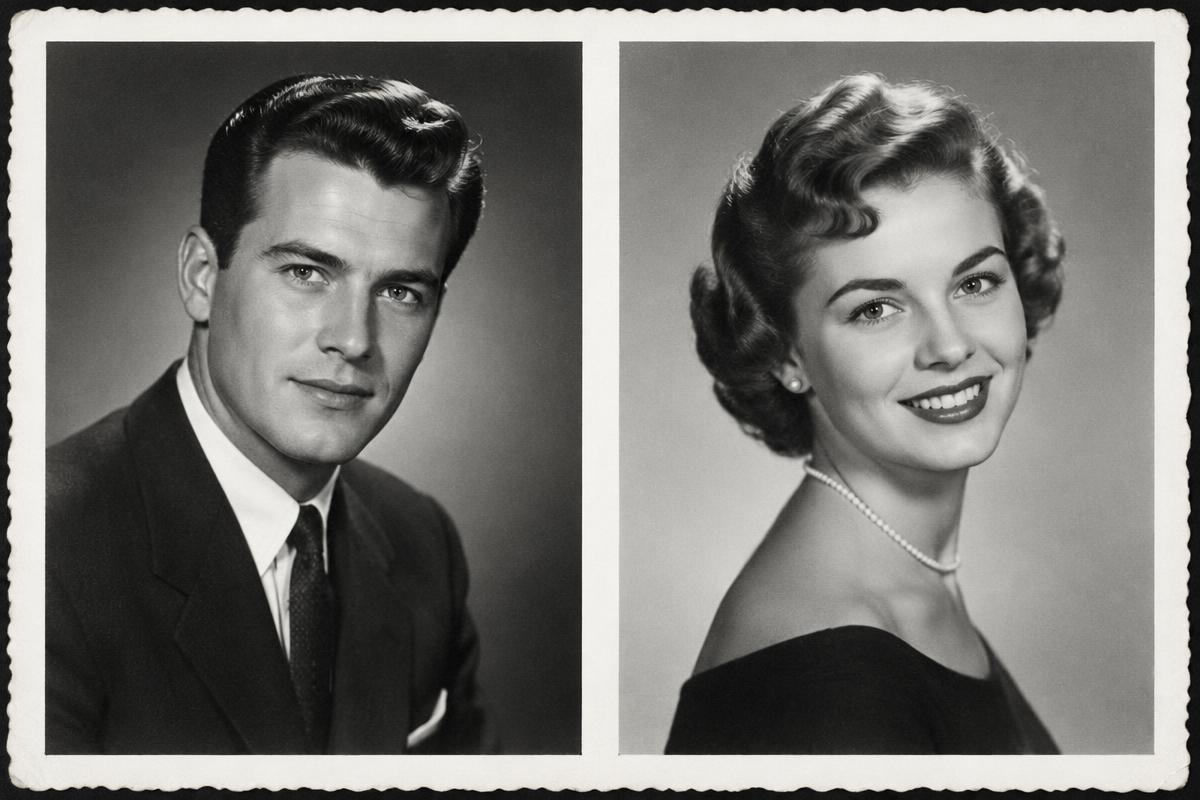
Short answer: two sharp photos work best, each with one person facing the camera or in a slight profile, nothing covering the face, and similar lighting.
What works
- One person per photo. With several people in the frame, AI may not know who you mean. Crop the photo first.
- Face from the front or a slight profile. Eyes and mouth should be clearly visible.
- Sharpness. A blurry face leads to a less faithful result.
- Similar light. Two daylight photos or two indoor photos match better.
- Upper body. A portrait from the waist up gives AI enough to work with for a hug or a toast.
What to avoid
- Sunglasses, a hand near the face, hair over the eyes.
- A strong shadow across half the face.
- Glare on glossy prints. When photographing an old print with your phone, place it near a window out of direct sun and turn off the flash.
- Very small faces in a group shot.
Old and black and white photos
Old photos are fine. Photograph them straight on so the print fills as much of the frame as possible. Borders and frames are not a problem.
Quick checklist
- 1One person on each photo.
- 2Face clearly visible, nothing covering it.
- 3Photo is sharp and free of glare.
Ready? Continue to Together on Video, or read how the whole process works.
Frequently asked questions
Create a video together
Create a video togetherRelated articles
A gift for a couple: one video from two portraits
An original gift for an anniversary, a wedding or Valentine's Day. Two photos become a video where the couple raises a glass or hugs.
A video of your grandparents, even without a photo of them together
Two separate portraits of your grandparents can become one shared video. How it works and what to expect.
How to combine two photos into one video
Two people from different photos can appear together in one living video. Upload two photos and choose what they should do.