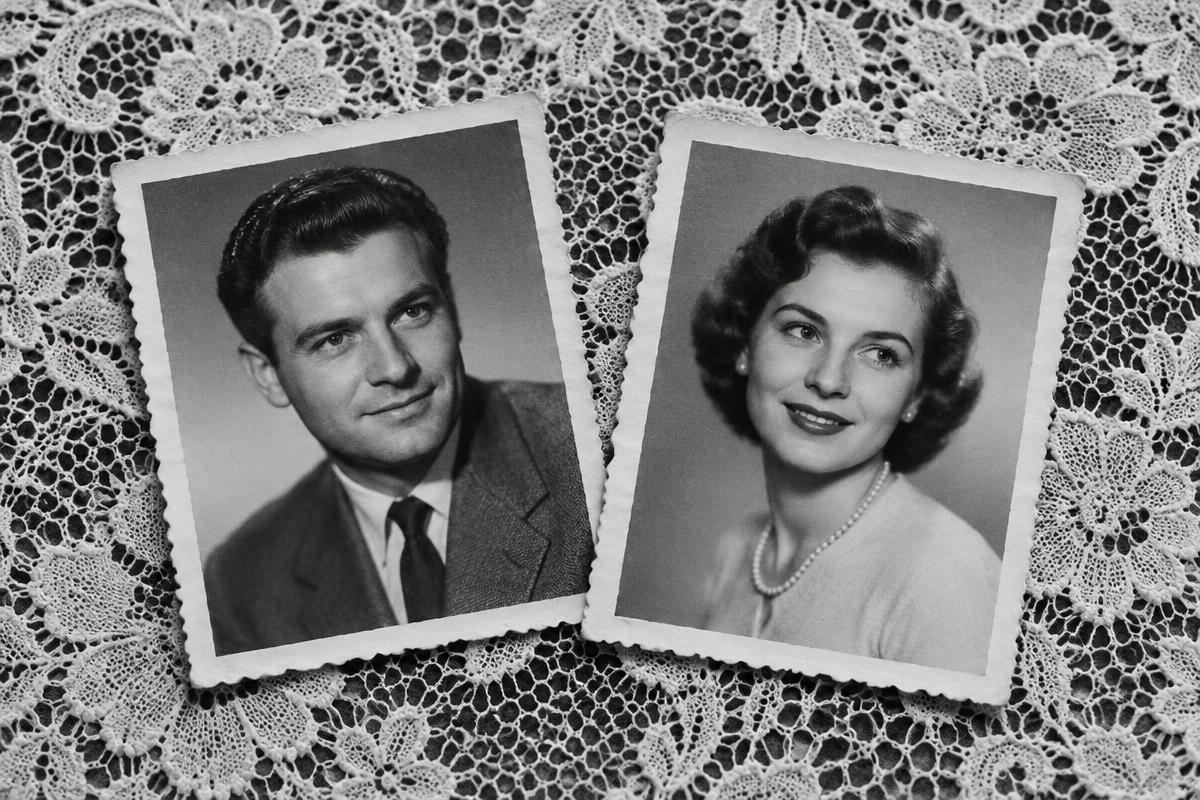
Short answer: upload two photos with one person on each, choose what they should do together, and AI places them in one scene and brings it to life. You get a short video to download and share.
Why two photos instead of one
Many people have no photo of two loved ones together: grandparents who were only photographed separately, friends living in different cities, or a grandmother in her youth and her grandson today. Together on Video was made for exactly this.
Step by step
- 1Upload the first photo. One person, face clearly visible.
- 2Upload the second photo. It can be from a different decade or place.
- 3Choose what they do: a hug, a gentle touch, a handshake, a toast, smiling at each other, or describe the scene in your own words.
- 4Pay once: $4.99 (launch price, normally $6.99). No signup.
- 5Wait for your video. AI first creates a shared image, then animates it.
What you get
A short video where both people stand side by side in one scene and move naturally: they turn to each other, smile, hug or raise a glass. The camera stays still so the faces stay in focus.
What to watch out for
- Only one person per photo.
- The face should not be covered by a hand, sunglasses or a heavy shadow.
- The sharper the photo, the more faithful the result. More in Which photos work best for a video of two people.
Frequently asked questions
Create a video together
Create a video togetherRelated articles
Which photos work best for a video of two people
The result of a shared video depends mostly on the photos. What to choose, what to avoid and how to capture an old print with your phone.
A gift for a couple: one video from two portraits
An original gift for an anniversary, a wedding or Valentine's Day. Two photos become a video where the couple raises a glass or hugs.
A video of your grandparents, even without a photo of them together
Two separate portraits of your grandparents can become one shared video. How it works and what to expect.