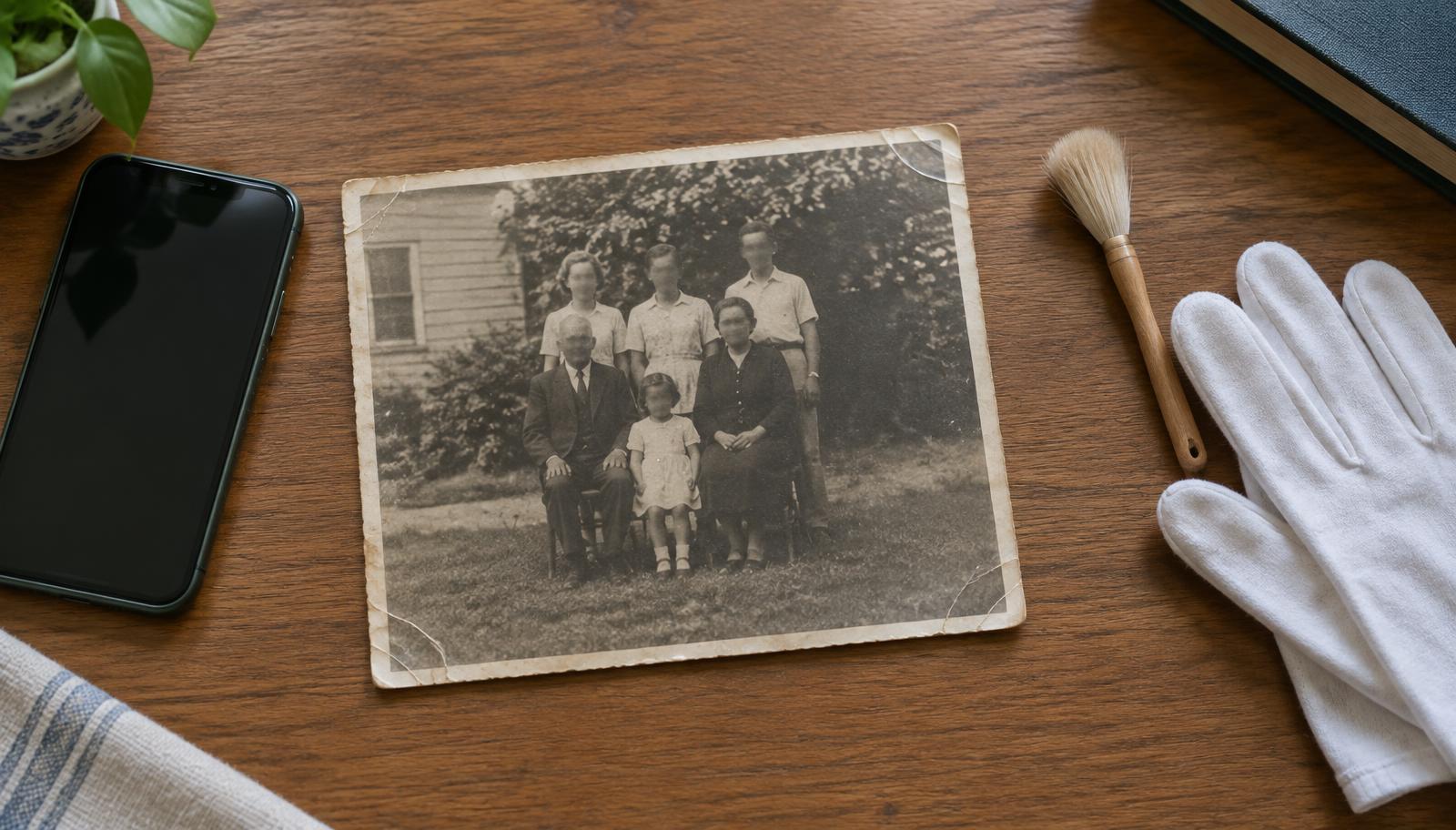
The result depends mostly on what the AI receives. The same portrait of a great-grandmother can turn out beautiful or awkward, depending on whether it was captured sharply and without glare. These steps take five minutes and make a real difference.
1. Take the photo out of the frame and album
Glass and album sleeves create reflections the AI treats as part of the face. Carefully remove the print and lay it on a flat, matte surface. Brush off dust with a soft brush, never a damp cloth.
2. Side light, no flash
Daylight from a window, falling at an angle, works best. Turn the phone flash off: on glossy paper it leaves a white spot right on the face. Make sure the shadow of your phone or hand does not fall across the print.
3. Hold the phone parallel to the print
Shooting at an angle distorts the face. Hold the phone directly above the print, resting it on two books if needed. If you have a scanner, use 600 DPI.
4. Get close to the face
The AI mainly animates the face. The more pixels the face has, the more natural the motion. For group shots, photograph up close or crop to one or two people. In large groups with small distant faces the AI has to guess features, and the result may not match reality.
5. Skip the filters
"Skin smoothing" filters or artificial sharpening often invent features that were never in the original. Upload the photo as it is. Black and white photos are colorized automatically, and sideways photos are straightened for you.
What about damaged photos
Small scratches and spots are fine as long as they do not cross the eyes or mouth. If the face is folded or largely missing, the AI fills it in based on a guess. For more on choosing the right photo, see how to animate an old photo.