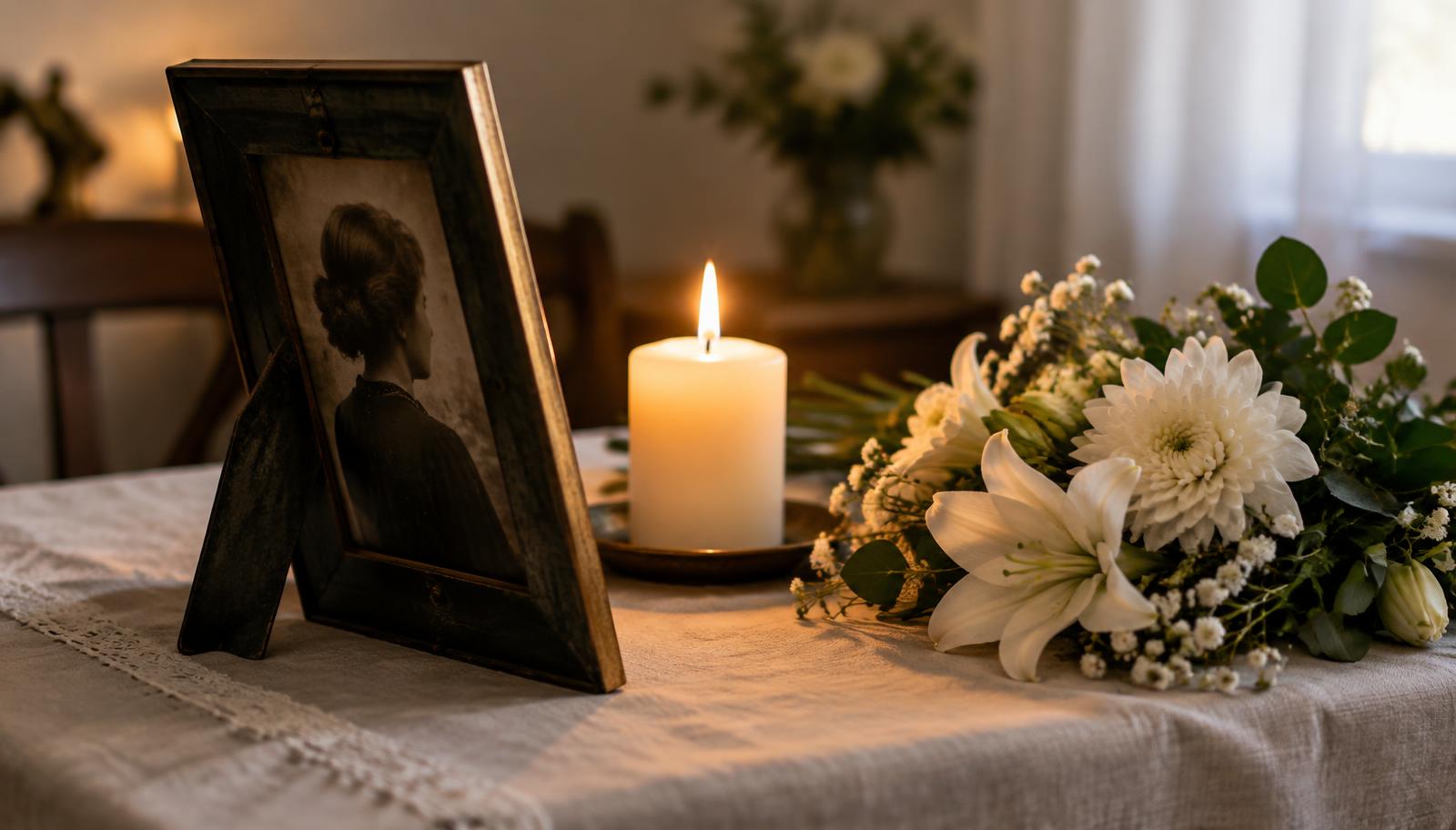
Animating a photo of someone who has passed is different from animating any other picture. The video is often played at a funeral, on an anniversary or sent to family. It is worth spending a few extra minutes on preparation.
Which photo to choose
- A portrait where the face is large and sharp. Ideally looking at the camera or slightly to the side.
- A photo that shows them the way you remember them. Often not the most recent one, but the most characteristic.
- One person rather than a group. From a family photo, capture just their face up close.
If you only have a small photo taken from far away, or the face is in shadow, the AI partly guesses the features. For a memorial video that matters, so try to find a closer shot.
How to prepare the photo
Take it out of the frame, photograph it in daylight without flash and hold the phone parallel. We cover this in detail in how to improve an old photo before animating it. Black and white photos are colorized automatically.
What to expect from the video
The video lasts a few seconds: a gentle smile, a blink, a slight turn of the head. It is not a recording and it does not speak. That simplicity is what moves people most.
Sharing the video with family
- Show it quietly to one or two of the closest people first.
- At a funeral, play it as a loop next to the photograph rather than as a surprise.
- Send older relatives a link; it opens on any phone.
For more on using it sensitively, see our guide on animating a photo of a deceased loved one.