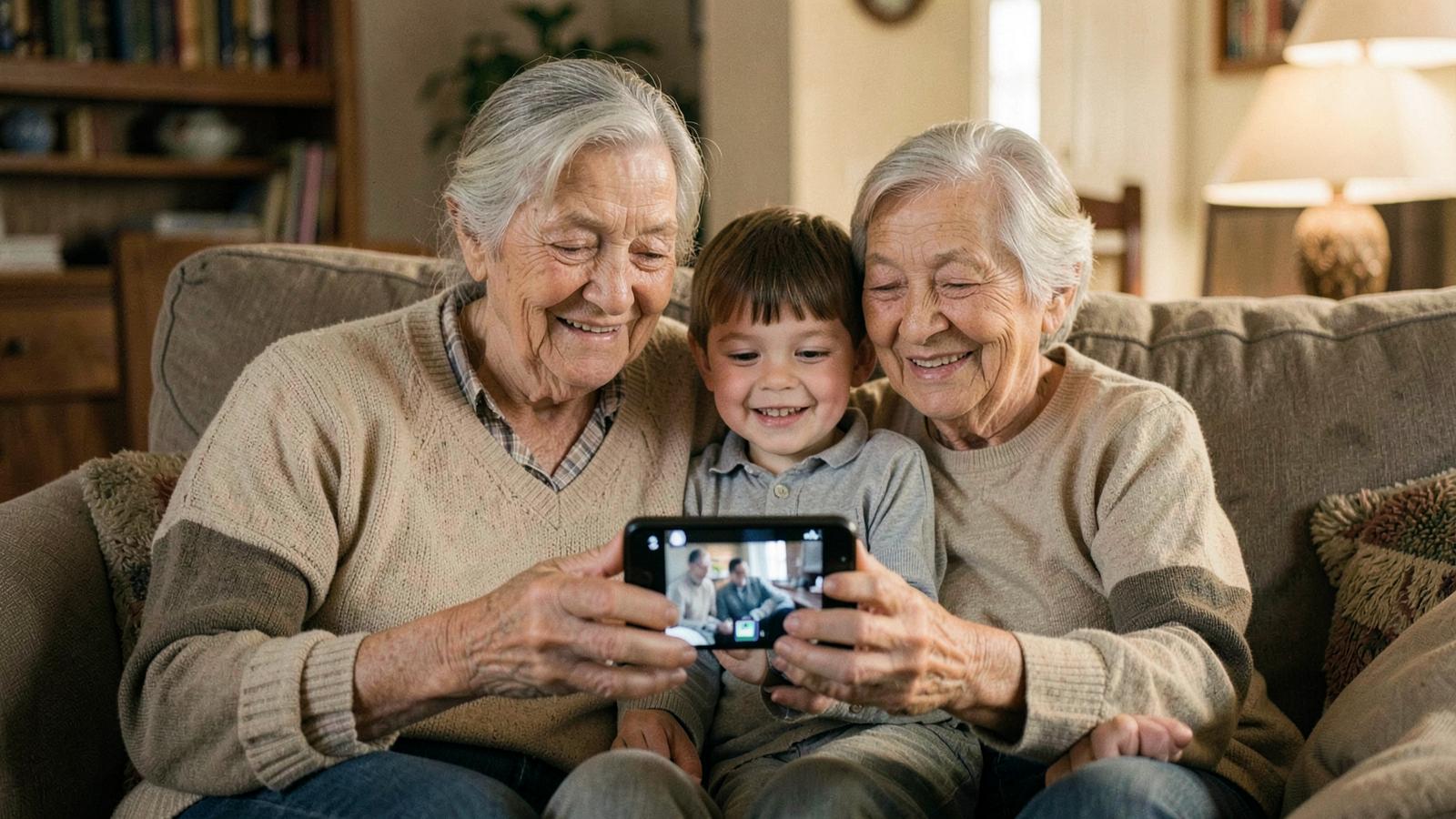
The video is ready in under a minute, but the real moment comes when other people see it. Here is how to send it so it arrives intact, and how to store it so it does not vanish with your next phone.
Download the file first
The result link is convenient, but it is not meant to be your archive. Tap download and save the MP4 to your phone or computer. Send it out after that. The video carries no watermark, so there is no logo to worry about.
Where to send it, and what that does to quality
| Channel | Quality | Watch out for |
|---|---|---|
| WhatsApp, Messenger | slightly compressed | fastest route, fine on a phone |
| full, if the file fits | attachment limits are often around 20 MB | |
| cloud storage such as Google Drive | full | the recipient needs a link, not an attachment |
| Facebook, Instagram | heavily compressed | vertical framing looks better |
| AirDrop, cable | full | best for archiving |
If image quality matters most, send the file through cloud storage or email. Chat apps always compress video a little, though few people notice on a phone screen.
When you want more than a message
An animated photo can become a gift that stays. A greeting with your own text gets its own link you can send to anyone, and you can print a card with a QR code to go with it. Grandma keeps it on the sideboard, any visitor scans it and the video plays.
A few things customers do most often:
- play the video on the TV at a family gathering
- print a QR code card and slip it into the frame with the original photograph
- send the video as part of a birthday or Christmas greeting
- save one video per grandparent into a shared family album
How to keep it safely
- 1Download the MP4 to your phone.
- 2Copy it to whichever cloud you use for photos.
- 3Keep a copy on a computer or external drive.
- 4Write the name and the year of the original photograph into the filename, or in ten years nobody will know who it is.
- 5Keep the original scan too, not only the video.
Result links are not intended as a permanent archive, so do not rely on them as the only place the video exists.
Before you start sending
If something about the result bothers you, there is usually a specific reason - we list them in why an animated photo looks wrong. And if you plan to animate more photographs from the shoebox, read which photo works best for animation first. It saves time and pointless attempts.