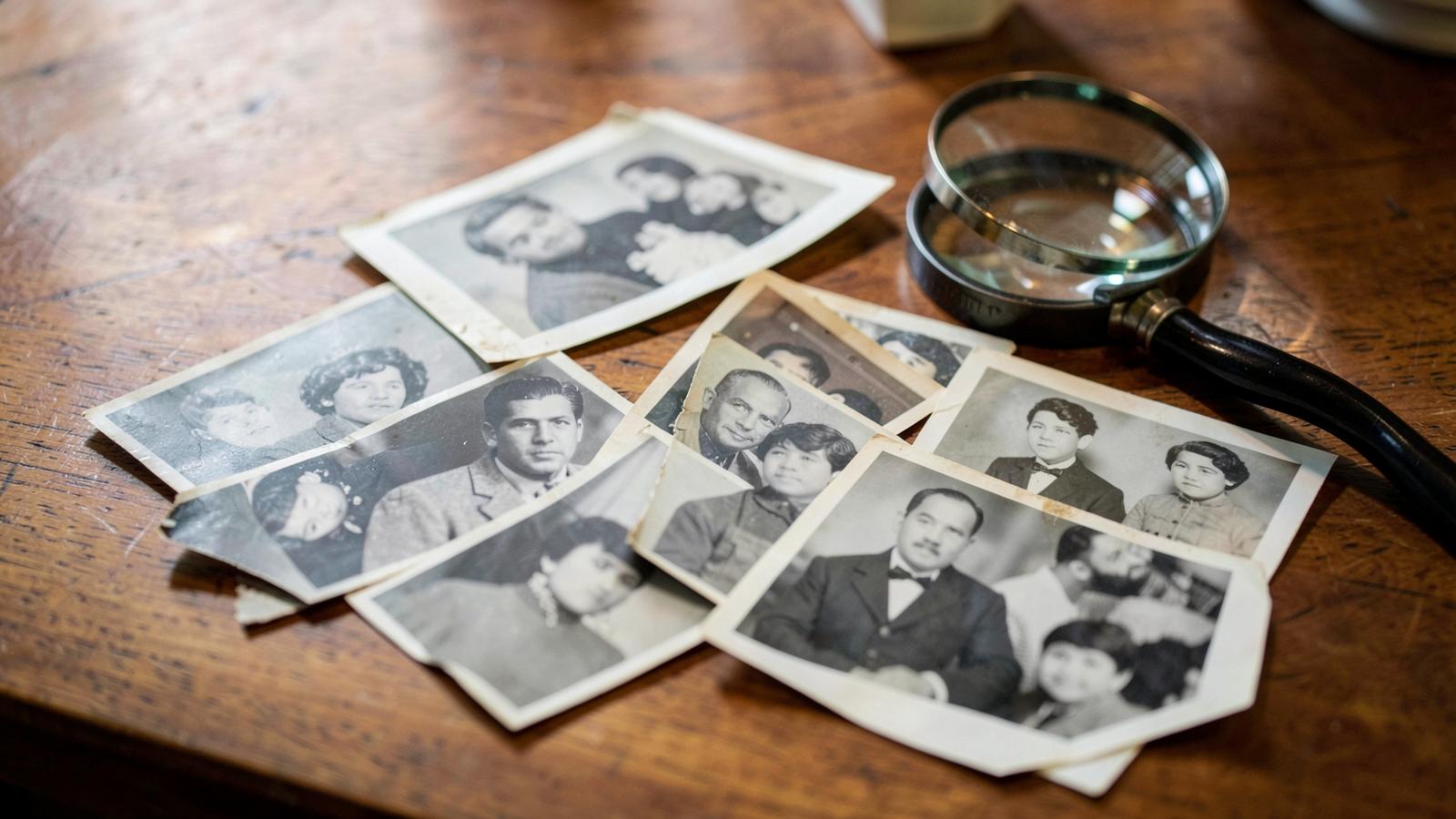
Not every photo gives the same result. The difference between a video that makes your family go quiet and one that just looks odd is decided almost entirely by the photo you upload. Here is an honest overview of what works, what is borderline and what to leave alone.
Five things that decide the outcome
How big the face is in the frame
This matters most. The animation works from dozens of points on the face, so the face needs room in the image. A head-and-shoulders portrait is ideal. A group shot taken from across the garden, where each face is the size of a fingernail, will not give a good result.
Sharpness of the face itself
The photo can be old, scratched and faded. But the eyes, nose and mouth have to be readable. If the face is motion-blurred or reduced to a grey smudge, there is nothing to work from.
Looking at the camera, or slightly to the side
A frontal view and a three-quarter angle both work reliably. A strict side profile, a turned-away head or a head tilted back is a gamble.
An unobstructed face
Glasses are fine. What causes trouble is a hand across the mouth, hair over the eyes, a hat casting a hard shadow over half the face, or a strong reflection on the lenses.
One main person
With several people in the frame, the animation focuses on the dominant face. Two faces side by side are usually handled well; five people in a row often produce an uneven result. If you care about one specific person, crop them out before uploading.
| Photo you upload | What to expect |
|---|---|
| portrait, sharp face, facing camera | very good |
| old studio portrait, scratched | good, the scratches stay |
| group photo, small faces | weak, crop first |
| side profile, obstructed face | unpredictable |
| portrait scanned from a printed book | weak, the print pattern gets amplified |
Age and damage are not the problem
This is the most common worry. A hundred-year-old studio photograph is often a better starting point than a phone snapshot taken in a dim room, because studio portraits have sharp features and even light. Yellowing, cracks and missing corners do not stop the animation. Just remember that whatever is damaged in the photo stays damaged in the video - animating is not retouching.
Format, resolution and orientation
Upload JPG or PNG. Ideally the long edge is at least 1000 pixels; larger files are resized for you, so there is nothing to configure. Orientation does not matter, rotation is handled automatically. A screenshot of a photo taken from social media is the worst option, because it has been compressed twice and the facial detail has fallen apart.
When in doubt, crop
The fastest way to improve your odds is to crop the photo down to the head and shoulders. Use the editor on your phone, cut away the surroundings and upload the crop. The result then shows the face rather than the background.
What about borderline photos
Sometimes a better photo simply does not exist. Then go ahead and try - just knowing that a small or blurred face can produce very little motion, or motion that looks strange. If the result does not sit right with you, read why an animated photo looks wrong, where we go through the specific causes and what can be done about them.
Once your video is ready, the third piece covers how to share an animated photo with your family without losing quality on the way.
Quick checklist before you upload
- 1I can clearly see the eyes, nose and mouth.
- 2The face fills at least a tenth of the image.
- 3No hand, hair or strong reflection across the face.
- 4The file is not a social media screenshot.
- 5If several people are in the photo, I have cropped the main one.